by
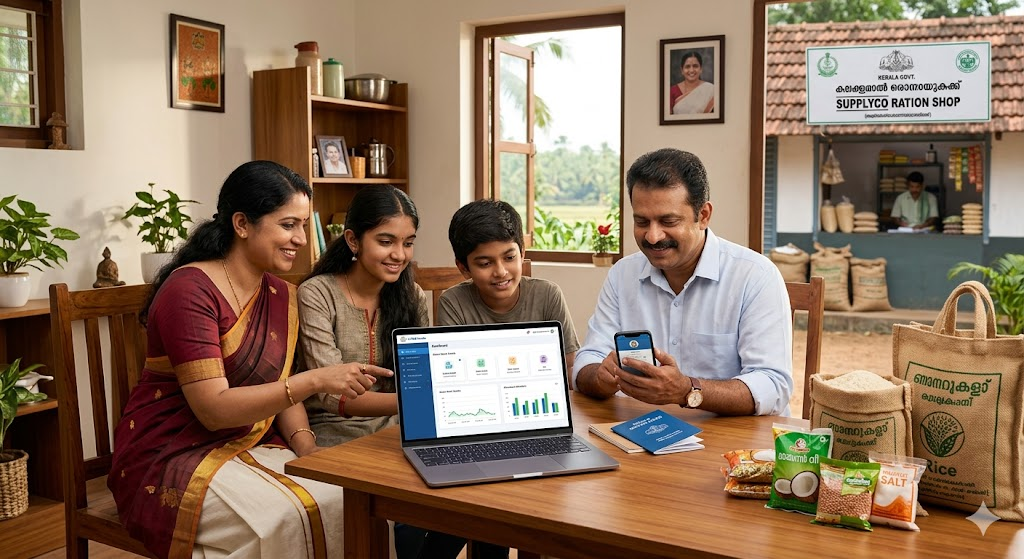
by Do you keep visiting your ration shop just to ask what you will get this month? Now, you don’t have to. The Kerala Civil Supplies Department allows you to check your monthly allotment online from your home.
Using the official portal, you can see exactly how much rice, wheat, kerosene, or sugar is assigned to your card for the current month. This guide explains the simple steps to do it.
What is Monthly Ration Allotment?
It is the fixed quantity of goods (like food grains and fuel) the government allots to your family each month. Every ration card type has a different entitlement.
Benefits of Checking Online
- Saves Time: No need to stand in line just to ask for stock details.
- Transparency: You can verify if the shop is giving you the correct quantity.
- Planning: You know what you will get before visiting the shop.
Who Can Use This Service?
Anyone holding a Kerala ration card can use this service. This includes Priority (Pink) , Antyodaya AAY (Yellow) , and Non-Priority cardholders.
Details Needed for Checking
Before you start, keep these ready:
- Ration Card Number (usually found on the front of your card).
- Registered Mobile Number (to receive OTP for login).
Official Kerala Civil Supplies Portal
Always use the official government website. Do not trust third-party apps or unknown links.
Official Website: https://civilsupplieskerala.gov.in/
Step-by-Step Process to Check Allotment
Follow these simple steps to see your stock details:
Step 1: Open your browser and visit the official website: https://civilsupplieskerala.gov.in/.
🍚 Open Kerala Civil Supplies Official Portal
Step 2: On the homepage, look for the “Ration Card Services” or “Citizen Login” section.
Step 3: Enter your User ID (Ration Card Number), Mobile Number, or Aadhaar Number.
Step 4: Click to generate an OTP. Enter the code sent to your mobile phone to log in.
Step 5: Once logged in, select the option that says “View Monthly Allocation” or “Ration Details”.
Step 6: The screen will show the current month’s stock. You will see the quantity of rice, wheat, sugar, and kerosene allotted to you.
What Details Are Shown?
Once you check, you will see a breakdown of:
- Commodity Name (e.g., Rice, Wheat).
- Quantity (in Kgs or Liters).
- Card Type (AAY, Priority, or Non-Priority).
Understanding Your Card Type
The quantity you get depends on your card:
- AAY (Antyodaya): Usually gets the highest quantity (e.g., 35 Kg of grains).
- Priority (PHH): Generally gets 5 Kg per person.
- Non-Priority: Gets subsidized rates based on availability.
Common Problems & Tips
- Website Not Loading: Use the mobile app if the website is slow. The official “Ente Ration Card” app is available on the Google Play Store.
- Forgot Password: Use the “Forgot Password” option or the OTP login method.
- Wrong Details: If your mobile number isn’t registered with the ration shop, you will not receive the OTP. Visit your local Taluk Supply Office (TSO) to update it.
Stay Safe: Always double-check that you are on the official gov.in website before entering your details.
🍚 Open Kerala Civil Supplies Official Portal