
 by
by 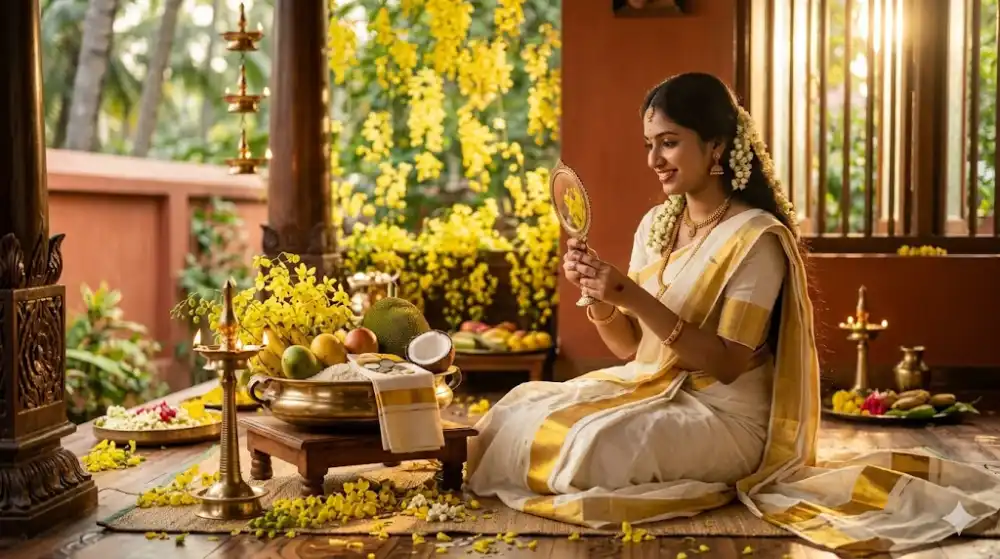
Vishu is a time of new beginnings, joy, and deep-rooted tradition in Kerala. As the first rays of dawn signal the start of the Malayalam New Year, families gather to see the Vishukanni, and everyone dresses in their finest traditional attire. In recent years, capturing these moments in photographs has become a cherished ritual. Whether it is the elegance of a Kasavu saree, the vibrant yellow of Kanikonna flowers, or the serene presence of Lord Krishna, everyone wants a picture-perfect memory.Vishu AI Photo Editing Prompts – Create Stunning Kerala Traditional Portraits
Thanks to modern technology, you no longer need a professional studio to achieve that cinematic, cultural look. With the rise of AI tools like Google Gemini, Midjourney, and other AI image generators, anyone can create stunning, professional-quality festival portraits from the comfort of their home.
How AI Photo Prompts Work
Using AI for photo editing is surprisingly simple. If you have a standard photo you like but want to give it a traditional Vishu makeover, AI prompts are the answer. The process usually involves three easy steps:
- Upload your photo: Choose a clear, front-facing image where your face is well-lit.
- Paste the prompt: Copy and paste a detailed description (like the ones below) into the AI tool.
- Generate: The AI analyzes your facial features and combines them with the cultural elements described in the prompt, delivering a high-resolution, beautifully composed portrait.
The key to getting a great result lies in the prompt. The more detailed the instructions—covering the outfit, lighting, background, and accessories—the better the AI can recreate the traditional Kerala aesthetic.
Vishu AI Photo Prompt 1
If you are looking for a classic, elegant look featuring the iconic Kasavu saree and golden lighting, this prompt is perfect for you. It focuses on a serene natural setting with all the essential Vishu elements.
Use uploaded image create “A hyper-realistic, high-quality portrait of a beautiful young woman with a warm, radiant smile, sitting gracefully outdoors in a lush, green, soft-focus natural setting. She is wearing an elegant traditional Kerala Kasavu saree with a cream-colored fabric featuring subtle gold patterns and a delicate border. Her blouse is a matching soft peach color with stylish puff sleeves and gold embroidery along the neckline and sleeves. Her hair is neatly styled in an loose, adorned with fresh white jasmine flowers. She is holding a peacock feather in one hand and resting her other hand gently on a bed of vibrant yellow Kanikonna flowers (Cassia fistula) that are placed on her lap. Next to her sits a small, colorful, detailed statue of Lord Krishna.
The lighting is soft and golden, highlighting her features and creating a serene, cultural atmosphere. Professional photography, sharp focus on the subject, cinematic composition, 8k resolution”
Vishu AI Photo Prompt 2
For those who prefer the vibrant charm of a Davani (half-saree) with richer, bolder colors, this prompt is ideal. It emphasizes a cinematic feel with a focus on antique elements and detailed textures.
Use uploaded image create A high-quality, photorealistic cinematic portrait of a young Indian woman with exact facial features as the reference image, smiling gracefully while seated outdoors. She is wearing a traditional South Indian Davani (half-saree) featuring a vibrant yellow silk skirt, a forest green blouse, and a deep red dupatta with an intricate gold-threaded border: She is holding a bunch of bright yellow Golden Shower flowers (Kanikkonna).
Beside her sits a beautifully detailed, dark bronze-colored antique statue of Lord Krishna playing the flute.
The woman has long, dark wavy hair partially pinned back, adorned with traditional gold jhumka earrings, green glass bangles, and simple necklace. and a small bindi on her forehead. The background consists of soft-focus grey stone steps, creating a shallow depth of field. The lighting is soft and natural, highlighting the textures of the silk fabric and the delicate petals of the flowers. 8k resolution, highly detailed skin textures, masterpiece, rich colors, authentic
Kerala traditional aesthetic.
Tips to Get Best Results
To ensure your AI-generated Vishu portrait looks as stunning as possible, keep these simple tips in mind:
- Use a clear front-facing photo: The AI works best when it can clearly see your facial features. Avoid photos with sunglasses, heavy shadows, or side profiles.
- Good lighting gives better output: If your original photo is bright and evenly lit, the AI will have an easier time matching the “soft golden lighting” described in the prompts.
- Don’t crop face too much: Leave a little space around your head in the original upload so the AI has room to add the floral hair ornaments and background elements.
- Try multiple variations: AI tools often allow you to generate a few versions of the same prompt. Don’t settle for the first result; generate a couple of options and pick the one you like best.
Final Thoughts
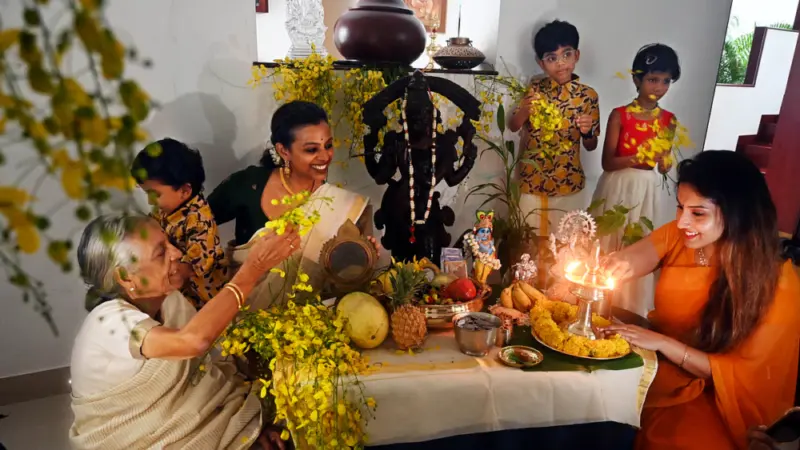
AI photo editing is revolutionizing how we celebrate festivals like Vishu. It makes high-end, professional photography accessible to everyone, regardless of their access to studios or professional equipment. With the right prompts, you can transform a simple photo into a breathtaking portrait that captures the true essence of Kerala’s rich cultural heritage. This Vishu, embrace the technology and create stunning images that you will treasure for a lifetime.


