
 by
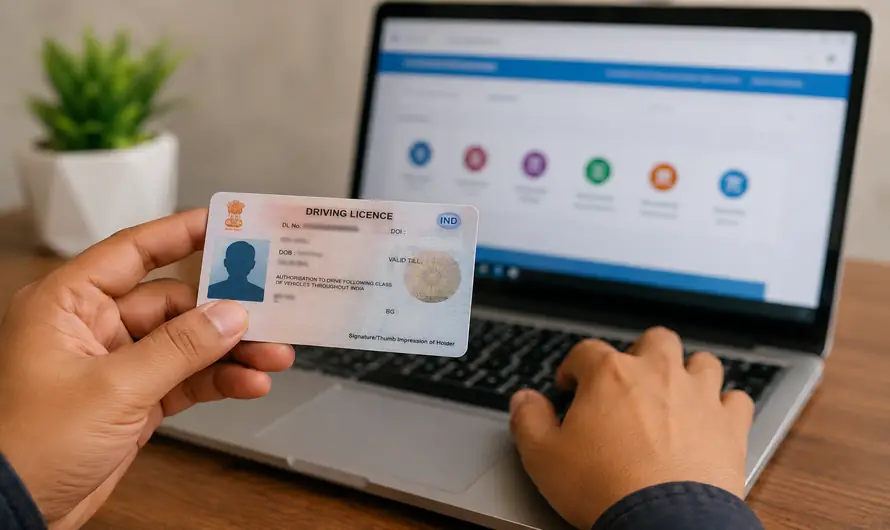
by Renewing a driving licence has become much easier through the official Parivahan Sewa and Sarathi Parivahan portals. If your licence is about to expire or has already expired, you can start the Driving License Renewal Online process by selecting your state, entering your licence details and submitting the required application. However, some applicants may still need to visit the RTO for document verification, biometrics or other state-specific requirements. Renewing your licence on time is the safest way to avoid unnecessary penalties and legal problems while driving. This 2026 guide explains the official process, required documents, fees and important rules in simple steps.
What Is Driving License Renewal Online?
Driving License Renewal Online is an official digital service that allows eligible licence holders to begin the renewal process through the Sarathi Parivahan portal. The Ministry of Road Transport and Highways provides online services for renewing existing driving licences, uploading documents, paying applicable fees and checking application status. The exact workflow may vary slightly between states because transport departments can have state-specific procedures. In some cases, an appointment and physical visit to the RTO may still be required. Therefore, completing the online application does not always mean the entire renewal process will be completely faceless.
Who Can Apply for Driving License Renewal Online?
You can generally apply for Driving License Renewal Online when your driving licence is approaching expiry or has expired. Official Parivahan guidance states that a renewal application may be entertained up to one year before the licence expiry date. If the licence has been expired for more than one year, the applicant may be required to undergo a driving test, depending on the applicable state policy and service rules. This is why delaying renewal for a long period can create unnecessary complications.
Documents Required for Driving License Renewal
Before starting the Driving License Renewal Online process, keep the required documents ready. Requirements can vary depending on your age, vehicle category and state transport department. For non-transport licences, Form 1 is generally used as a self-declaration regarding physical fitness. Form 1A, a medical certificate from an authorised medical practitioner, may be required for applicants above 40 years and for transport vehicle licences. Your existing driving licence and other documents requested by the selected state portal should also be kept ready.
Keep These Documents Ready
- Existing Driving Licence
- Application Form 2, where applicable
- Form 1 for physical fitness declaration
- Form 1A, if required
- Medical or eye-test documents, where applicable
- Photograph and signature, if requested
- Additional documents required by your state RTO
How to Renew Driving License Online: Step-by-Step Process
The official Driving License Renewal Online process is completed through the Sarathi Parivahan portal. Always select your correct state before starting because the available services and document requirements can differ. Carefully verify your licence number, date of birth and personal details before submitting the application. A small mistake in your application can cause delays or require correction later.
Step 1: Visit the Official Parivahan Portal
Official Link: Parivahan – Official Government Portal
Open the official Parivahan website and access the Sarathi Driving Licence Services section. Select your state or Union Territory to continue with the correct transport department portal.
Step 2: Select Services on Driving Licence
Choose Driving License from the menu and select Services on Driving License (Renewal/Duplicate/AEDL/Others).
Step 3: Enter Your Licence Details
Enter your Driving Licence number and date of birth. Use the Get Driving Licence Details option and verify the displayed information carefully.
Step 4: Choose Renewal of Driving Licence
Select Renewal of DL from the list of available services and continue with the online application form.
Step 5: Upload Required Documents
Upload the documents requested by your state transport department. Make sure the documents are clear and uploaded in the required format.
Step 6: Pay the Required Fee
Complete the online payment using the available payment options. Save the payment receipt for future reference.
Step 7: Book an Appointment if Required
The portal may ask you to book an RTO appointment depending on your state and application requirements. Carry your original documents and fee receipt when visiting the RTO.
Driving License Renewal Fees in India
According to the official Parivahan fee schedule, the standard fee for renewal of a driving licence is ₹200. If the renewal application is made after the applicable grace period, additional charges may apply. The official fee schedule lists ₹300 as the renewal fee in such cases, along with an additional ₹1,000 for each year or part of a year of delay after the grace period. Other user charges or state-specific charges may also apply.
| Service | Official Fee |
|---|---|
| Driving Licence Renewal | ₹200 |
| Renewal after grace period | ₹300 |
| Additional delay charge | ₹1,000 per year or part thereof |
What Happens If Your Driving Licence Expired More Than One Year Ago?
This is an important warning for applicants who have delayed renewal for too long. Official Parivahan guidance states that if a driving licence has expired for more than one year, the applicant may be required to undergo a driving test or follow additional procedures according to state policy. Therefore, do not ignore an expired licence and assume that normal online renewal will always be available. Applying early can help avoid unnecessary delays, additional steps and possible testing requirements.
Conclusion
Driving License Renewal Online is a simple and convenient way to start the licence renewal process in India through the official Sarathi Parivahan system. The process includes selecting your state, entering your licence details, choosing renewal, uploading documents and paying the required fee. However, remember that an RTO visit may still be necessary depending on your age, licence category and state-specific requirements.
The smartest approach is to renew your licence before a long delay occurs. Always use official government portals, verify your details carefully and follow the instructions shown for your selected state. Timely renewal helps you stay legally compliant and avoids unnecessary problems on the road.
Official Link: Parivahan – Official Government Portal
Suggested Internal Links:
Vehicle Ownership Transfer Online Kerala 2026: Easy & Complete Guide
Duplicate RC Book Online Kerala 2026 – Apply for Lost Vehicle RC Certificate Easily
Learner’s Test Online Kerala 2026: MVD LEADS Mock Test, Questions & Traffic Signs
Official/External Sources:
Parivahan Sewa Official Portal
Sarathi Driving Licence Services
National Government Services Portal – Driving Licence Services
Official Parivahan Fee Schedule


