 by
by Smartphones today are powerful, but accessing simple features can still feel slow. Opening apps again and again just to take a screenshot or turn on the torch wastes time. That’s why many users are turning to gesture-based solutions. A notch touch app brings a smarter way to control your phone using quick and simple actions.
What This App Does
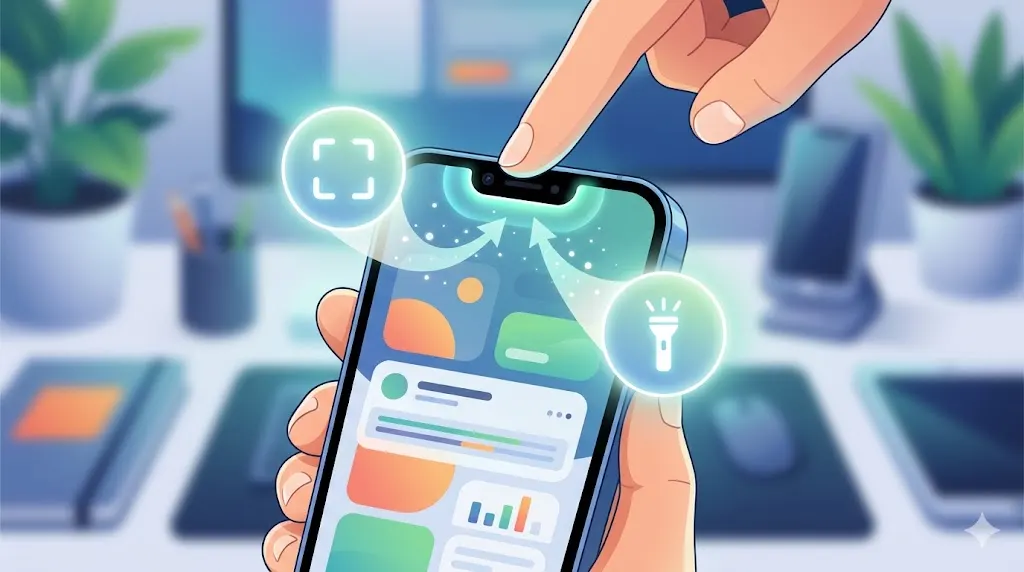
The app, introduced as Notch Touch, uses the notch or front camera area of your phone as a smart control zone. With simple taps or swipes near the notch, you can perform actions instantly. There’s no need to unlock your phone fully or navigate through multiple menus.
You can download it directly from the Google Play Store here:
https://play.google.com/store/apps/details?id=notch.launcher.touch.notch
Key Features
📸 Screenshot with Touch
Capture screenshots instantly with a quick gesture—no buttons needed.
🔦 Torch Control
Turn your flashlight ON or OFF in seconds using a simple tap.
🎵 Music Control
Play or pause songs without opening your music app.
📱 Custom Shortcuts
Assign actions like opening apps, calling contacts, or launching tools.
⚡ Quick Access
Perform everyday tasks faster with minimal effort.
How to Use
- Install the app from the Play Store
- Grant the required permissions
- Enable the notch touch feature
- Assign actions like screenshot or torch
- Tap or swipe near the notch to use
Where It Helps
- Quick actions without deep navigation
- Easy one-hand usage
- Faster access to essential features
Benefits
- Saves time in daily use
- Simple and user-friendly
- Makes your phone smarter
- Fully customizable controls
Important Tips
- Adjust touch sensitivity for better accuracy
- Avoid accidental touches by fine-tuning settings
- Keep permissions enabled for smooth performance
Final Thoughts
Apps like Notch Touch introduce a smarter way to interact with your smartphone. By using simple gestures near the notch area, you can handle everyday tasks quickly and efficiently. It’s a small change that makes a big difference in how you use your phone.