 by
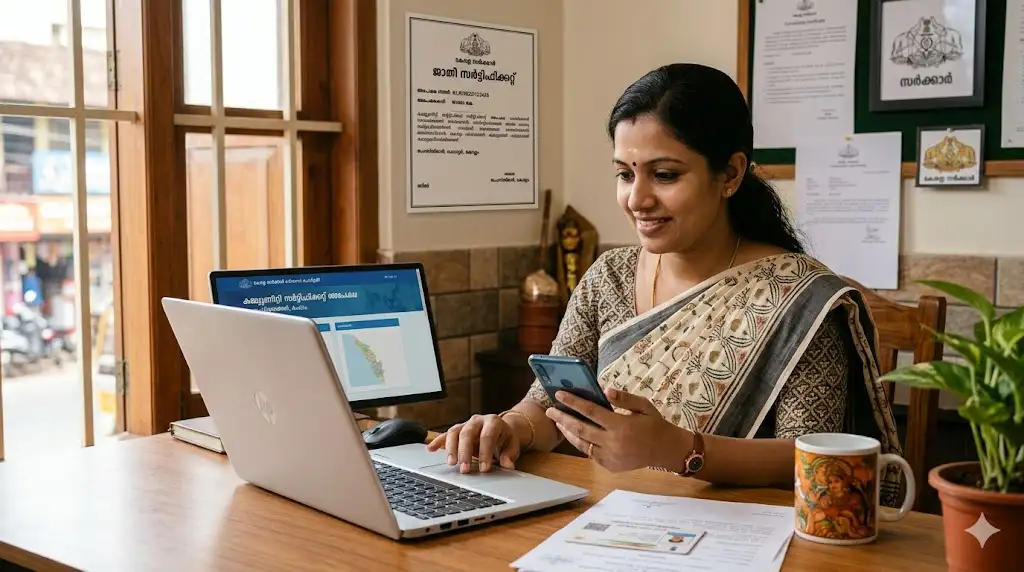
by The e-District Kerala system has made it much easier for people in Kerala to apply for important government certificates online. One of the most commonly used services is the Community Certificate application. Citizens can now apply, track, and download the certificate from home without visiting multiple government offices.
This guide explains everything about Kerala Community Certificate online application in simple steps.
What is a Community Certificate?
A Community Certificate is an official government document that confirms a person’s caste or community category. The certificate is issued by the Revenue Department through authorized government offices.
It is commonly used for:
- School and college admissions
- Scholarship applications
- Reservation benefits
- Government job applications
- Welfare schemes
- Educational fee concessions
Many institutions and government departments ask for this certificate as proof of community status.
Why is the Community Certificate Important?
The Community Certificate helps eligible citizens receive benefits provided by the government. It is especially important for students and job seekers applying under reserved categories.
Some major uses include:
- Applying for SC/ST/OBC reservations
- Availing educational scholarships
- Applying for state welfare schemes
- Verification during government recruitment
- College admission procedures
Because of digital services, Kerala residents can now complete most of the process online through e-District Kerala.
Eligibility for Kerala Community Certificate
Applicants must meet the following conditions:
- Must be a resident of Kerala
- Must belong to a recognized community category
- Applicant details should match official records
- Supporting documents should be valid and clear
Parents can also apply on behalf of minor children.
Documents Required
Before starting the online application, keep these documents ready:
- Aadhaar Card
- Ration Card
- Address Proof
- Passport-size photograph
- School Certificate or Transfer Certificate
- Supporting caste/community proof
- Active mobile number
Make sure all uploaded files are clear and readable to avoid rejection.
How to Apply for Kerala Community Certificate Online
Follow these steps carefully for Kerala Community Certificate online application:
Step 1: Visit e-District Kerala Portal
📄 Open e-District Kerala Portal
Open the official e-District Kerala Portal website.
Step 2: Register or Login
Create a new user account if you are a first-time user. Existing users can log in using their credentials.
Step 3: Select Community Certificate Service
After login, search for “Community Certificate” under available services.
Step 4: Fill Application Form
Enter applicant details such as:
- Name
- Address
- Aadhaar number
- Community details
- Mobile number
Check spelling carefully before proceeding.
Step 5: Upload Documents
Upload all required documents in the correct format and file size.
Step 6: Pay Application Fee
If applicable, pay the required fee online using available payment methods.
Step 7: Submit Application
After successful submission, an acknowledgment number will be generated. Save it carefully for future tracking.
How to Track Community Certificate Status
Applicants can track their application status online easily.
Steps to Track:
- Visit e-District Kerala Portal
- Open the “Track Application” section
- Enter acknowledgment or application number
- View current application status
The portal shows real-time updates about verification and approval stages.
How to Download Community Certificate Online
Once the application is approved, the certificate can be downloaded online.
Download Process:
- Login to the e-District portal
- Open approved applications
- Select Community Certificate
- Download the digitally signed certificate
- Save or print the PDF copy
The downloaded certificate can be used for official purposes.
Important Tips to Avoid Rejection
To ensure faster approval, follow these useful tips:
- Enter Aadhaar details correctly
- Upload only clear scanned documents
- Use matching name and address in all records
- Double-check community details before submission
- Keep the acknowledgment number safe
- Use an active mobile number for updates
Incorrect or unclear information may delay the application process.
Final Thoughts
Applying for a Kerala Community Certificate online has become simple and convenient through the e-District Kerala platform. Citizens can complete the entire process digitally, including application submission, status tracking, and certificate download.
By uploading proper documents and entering correct details, applicants can receive their Community Certificate quickly without unnecessary office visits.
📄 Open e-District Kerala Portal