by
by A Voter ID is one of the most important identity documents in India. It is not only required for voting but also widely accepted as proof of identity and address.
Earlier, getting a copy of your Voter ID meant visiting government offices. But now, thanks to digital services by the Election Commission of India, you can download your Voter ID online in just a few minutes.
Using the National Voters’ Services Portal, you can access your digital voter card anytime from your phone or computer.
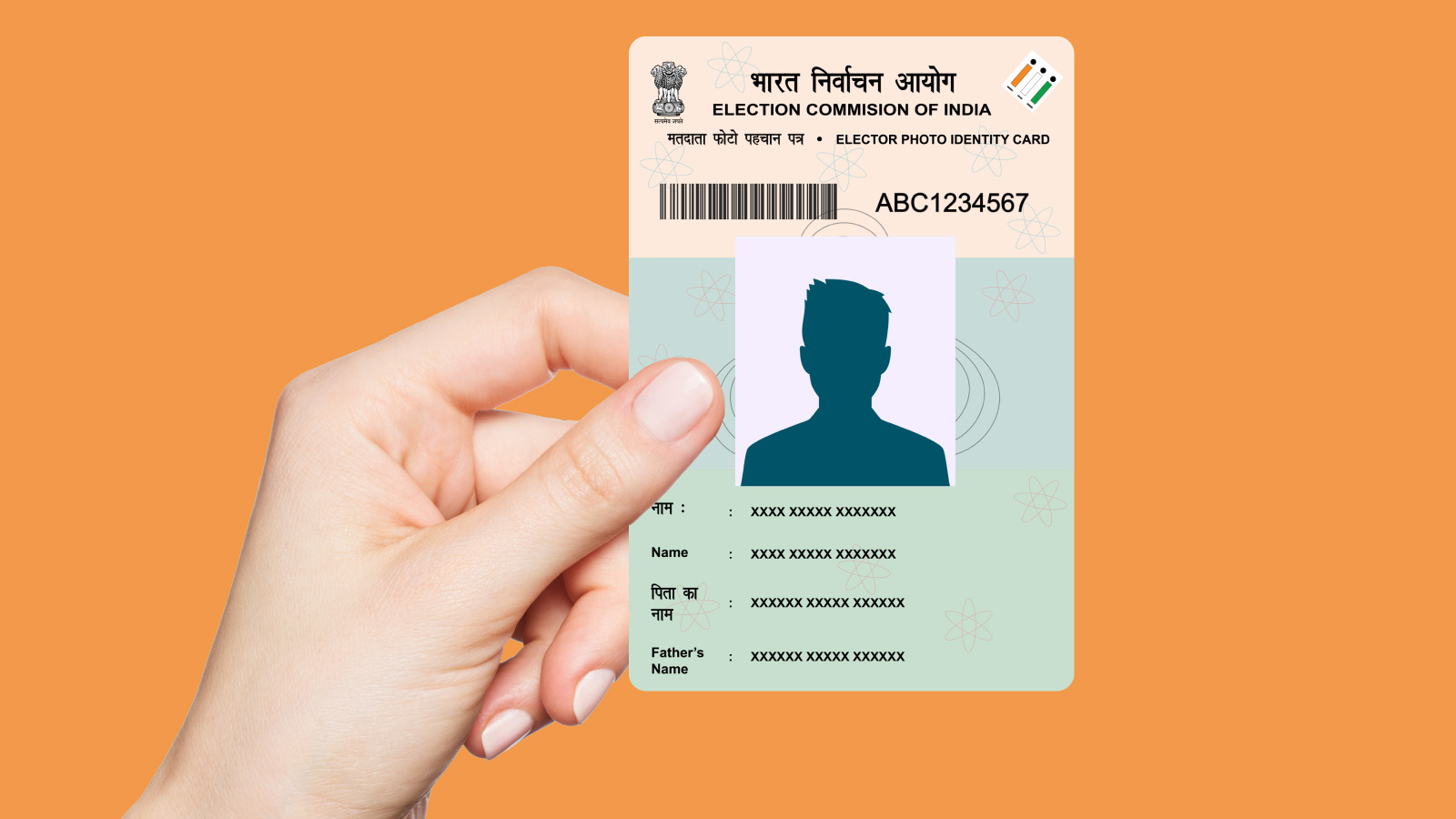
What Is EPIC & e-EPIC?
Before downloading, it’s important to understand these terms:
- EPIC (Elector Photo Identity Card):
This is your physical voter ID card issued by the government. - e-EPIC:
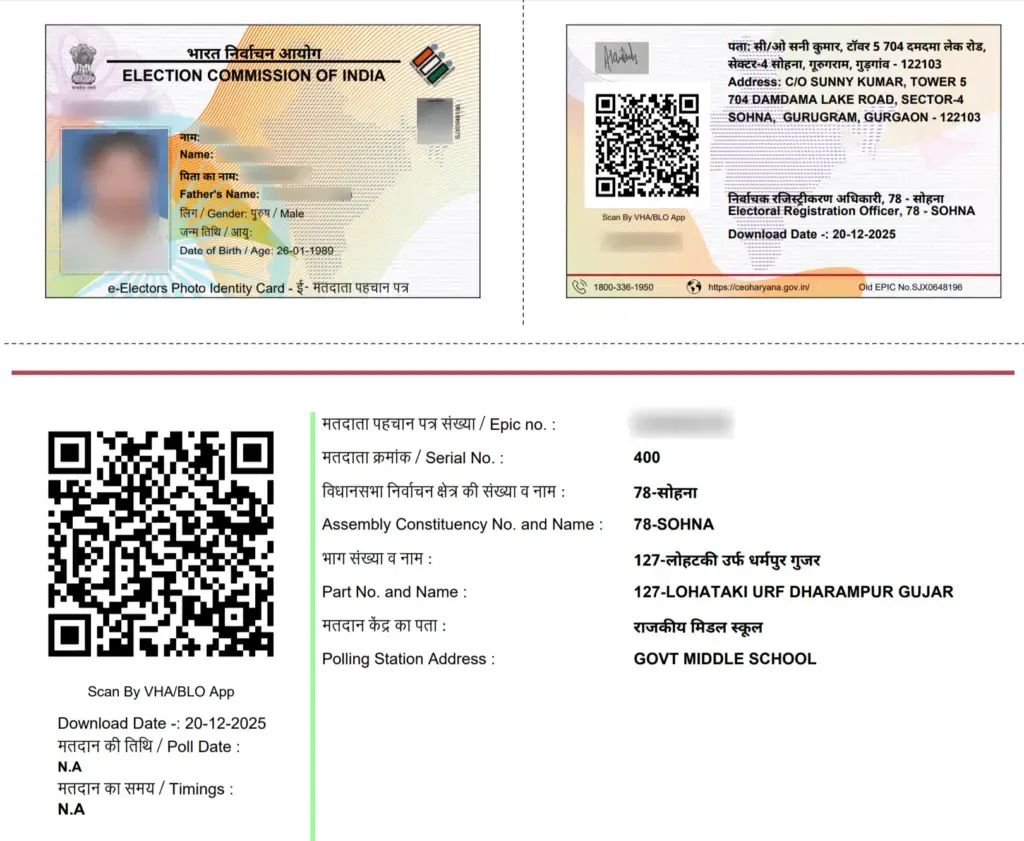
This is the digital version (PDF format) of your voter ID.
Both versions have the same validity, and the e-EPIC can be used just like the physical card.
Requirements Before Download
Make sure you have the following ready:
- A registered mobile number linked to your voter ID
- Your EPIC number (if available)
- A device with internet access
These will help you complete the process quickly.
How to Download Voter ID Online
Follow these simple steps:
🗳️ Login to Voter Portal (Check Voter ID & Services)
- Visit the official portal
- Login or create a new account
- Enter your EPIC number or search your details
- Verify your identity using OTP sent to your mobile
- Click on download and get your e-EPIC PDF
That’s it! Your digital voter ID will be ready instantly.
Alternative Method (Without EPIC Number)
If you don’t have your EPIC number, don’t worry.
You can still download your Voter ID by:
- Entering your name, date of birth, and district
- Searching your voter details
- Selecting your profile
- Proceeding with OTP verification
- Downloading the e-EPIC
This method is helpful if you forgot your EPIC number.
Benefits of e-EPIC
Here’s why the digital voter ID is useful:
- Instant download anytime
- Easy to store on your phone
- Works as a valid ID proof
- Helpful for travel, verification, and applications
It’s a convenient and secure way to carry your ID.
Important Tips
Keep these points in mind:
- Always use the official website only
- Ensure your mobile number is updated
- Save your downloaded file safely
- Never share your OTP with anyone
Following these tips will keep your data secure.
Official portal
🗳️ Login to Voter Portal (Check Voter ID & Services)
Final Thoughts
Downloading your Voter ID online is now quick, simple, and hassle-free. With just a few steps on the National Voters’ Services Portal, you can access your digital ID anytime.
This digital shift by the Election Commission of India makes it easier for every citizen to stay prepared and use their identity document whenever needed.