
 by
by 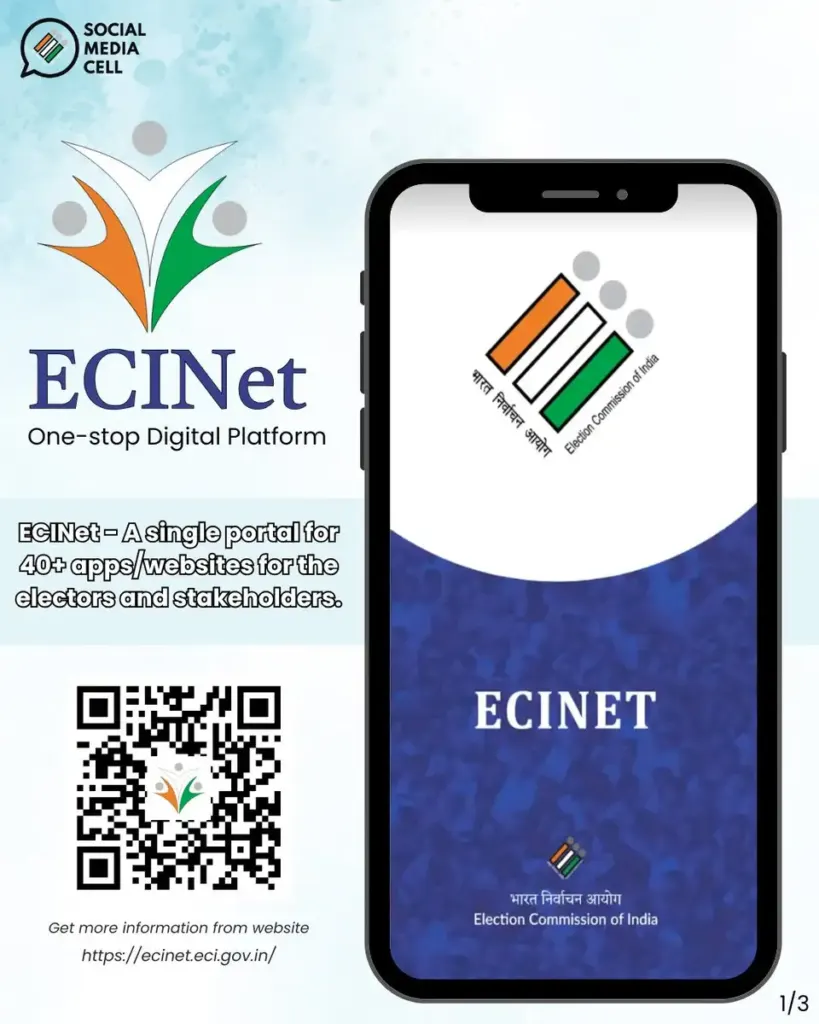
For many voters in India, election season brings a common challenge: finding reliable information about who is actually contesting from their constituency. While there is plenty of chatter and speculation, accessing official details about candidates—such as their background, party affiliation, and affidavits—often feels complicated. Fortunately, the Election Commission of India has simplified this process with the ECINET app, a mobile tool designed to put verified election data directly into the hands of voters.
Here is a detailed look at how the ECINET app helps you stay informed.
What Is the ECINET App?
The ECINET app is the official mobile application developed by the Election Commission of India. Its primary goal is to ensure transparency and accessibility in the electoral process. Instead of sifting through multiple websites or relying on unverified sources, users can access all essential election-related information directly from their smartphones through a single, easy-to-use platform.
Key Features of the App
The app is built to provide a comprehensive overview of the electoral landscape. Below are its core features explained in a simple format:
Check Candidates in Your Constituency
- View a complete list of candidates contesting in your area.
- Know the party affiliation and symbol for each candidate.
- Access full candidate details without needing to search elsewhere.
Detailed Candidate Information
- Review personal details and background information of candidates.
- Read affidavit data, which is crucial for understanding a candidate’s history and declarations.
- Access information that is officially sourced from the Election Commission.
Constituency Information
- Instantly identify your specific constituency.
- Get timely election updates, including polling dates and schedules.
- Find polling-related details to ensure you know where and when to vote.
User-Friendly Interface
- The app is designed for simple navigation, making it accessible for all age groups.
- Easy search options allow you to quickly locate candidates by name or party.
- Quick access to data ensures you spend less time searching and more time reviewing.
How to Use the App
Using the ECINET app is a straightforward process that can be completed in just a few steps:
Android
🗳️ Download Voter Helpline App
iOS
🍎 Download ECINET App for iPhone
- Step 1 – Download the App: Install the application from the official app stores
- Step 2 – Open & Login: Open the app and register using your mobile number to verify your identity.
- Step 3 – Select Location: Choose your state and constituency to filter the information relevant to you.
- Step 4 – View Candidates: Browse the list of candidates and tap on any name to view their full profile and details.
Who Should Use This App?
This tool is designed for a wide range of users, including:
- Voters: Anyone looking to make an informed decision before casting their vote.
- First-time voters: Young individuals navigating the electoral process for the first time.
- Students: Those studying political science or civic processes.
- Anyone interested in elections: Citizens who want to understand the electoral landscape in their area.
Benefits of Using ECINET
- Easy access: Get candidate details in one place without needing multiple sources.
- Reliability: Information is official, sourced directly from the Election Commission of India.
- Efficiency: Save time by avoiding searches on unverified websites.
- Informed decisions: Empower yourself with the data needed to vote wisely.
App Link
Android
🗳️ Download Voter Helpline App
iOS
🍎 Download ECINET App for iPhone
Final Thoughts
The ECINET app is more than just a utility; it is a vital tool for democracy. By offering easy access to candidate lists, personal backgrounds, and affidavit details, it ensures that voters have the transparency they need. Whether you are a long-time voter or preparing for your first election, downloading the ECINET app allows you to check candidates and understand your constituency with just a few taps on your phone.


